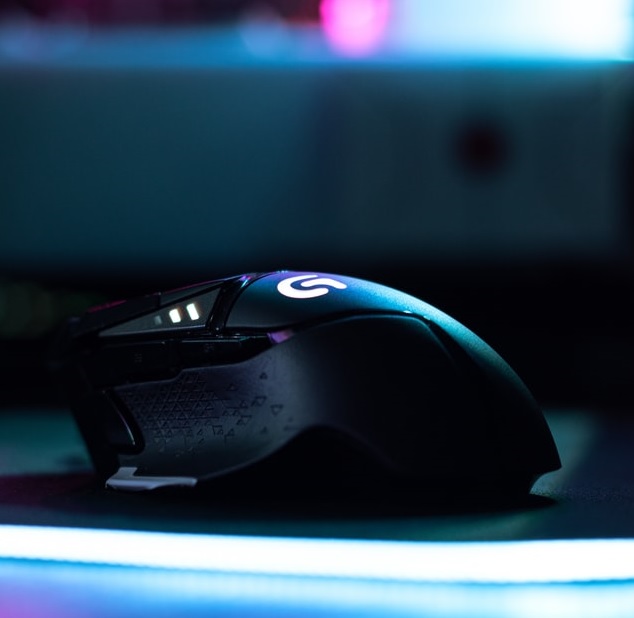
Best gaming mouse in 2026: 5 picks for every budget
Picking a gaming mouse in 2026 comes down to one question: what’s actually going to change how you play? A lighter mouse helps you flick faster in an FPS. A higher-DPI sensor helps you play accurately across bigger monitors and higher resolutions. Extra buttons help in MMOs and MOBAs where you’re juggling a dozen abilities. We’ve picked five mice below that each solve a different one of those problems, from a genuine budget option under $30 to the same mouse pro esports players use in tournaments.
1. Logitech G PRO X Superlight 2 — best overall
This is the mouse most competitive players reach for right now, and for good reason. At 60 grams it’s light enough to disappear in your hand during fast flicks, but Logitech hasn’t cut corners to get there — the HERO 2 sensor tracks up to 44,000 DPI with zero smoothing or acceleration, and the wireless connection now supports an 8,000 Hz report rate, which noticeably reduces the tiny bit of input lag you’d otherwise get over a wireless connection. Battery life sits around 95 hours, and it charges over USB-C, so a quick 10-minute top-up gets you through a gaming session if you forget to charge it overnight.
Who it’s for: FPS and competitive players who want the lightest, most responsive mouse available and don’t mind paying a premium for it.
2. Razer DeathAdder V4 Pro — best ergonomic shape
The DeathAdder shape has been a favorite for over a decade, and the V4 Pro brings it fully up to date. It’s dropped to 56–57 grams (depending on colorway) while keeping the contoured, right-hand-specific shape that a lot of gamers find more comfortable than symmetrical designs during long sessions. Razer’s Focus Pro 45K sensor is genuinely excellent for tracking precision, and the mouse can hit 8,000 Hz polling in both wired and wireless modes. Battery life is the standout spec here — up to 150 hours, which is roughly double what most flagship wireless mice offer.
Who it’s for: Players who prefer an ergonomic, right-hand-shaped mouse over a symmetrical one, and want class-leading battery life.
3. Logitech G502 X Plus — best for RGB and extra buttons
The G502 line has been Logitech’s best-seller for years because it doesn’t force a trade-off between performance and features. The X Plus keeps the 13-button layout serious MMO and MOBA players rely on for macros and ability binds, while switching to lighter hybrid optical-mechanical switches and Logitech’s 25,600 DPI HERO sensor. The dual-mode scroll wheel is a genuinely useful touch — free-spin for scrolling through inventory or web pages, then a click to snap into a precise, ratcheted mode for weapon switching. RGB lighting is fully customizable through Logitech’s G HUB software if you want your setup to match.
Who it’s for: Anyone who wants more buttons and customization than a minimalist FPS mouse offers, without giving up wireless performance.
4. Logitech G305 Lightspeed — best budget wireless
If you want to go wireless without paying flagship prices, the G305 is still one of the best values around, even a few years after launch. It uses the same HERO sensor family found in Logitech’s higher-end mice, so accuracy isn’t the compromise — the trade-offs are a plainer shape and a single AA battery instead of USB-C charging. That battery, though, is genuinely rated for up to 250 hours, so you’re looking at months of use before a swap. At under $40 most of the year, it’s an easy recommendation for anyone building a budget setup or picking up a reliable spare.
Who it’s for: Budget-conscious gamers who still want proper wireless performance rather than a wired mouse.
5. Logitech G203 — best budget wired
For under $30, the G203 remains the mouse we’d point a first-time PC gamer toward. It’s wired, so there’s no battery to think about, and it packs an 8,000 DPI optical sensor that’s more than capable for most games at any skill level below professional competition. The six programmable buttons and customizable RGB lighting via G HUB make it feel like more mouse than the price suggests. It won’t out-perform the mice above it on this list, but for the price, nothing else comes close.
Who it’s for: First-time gaming mouse buyers, or anyone who wants a reliable wired backup.
How to choose a gaming mouse
Wired vs wireless: Modern wireless mice like the ones above have effectively closed the latency gap with wired mice for most players — 8,000 Hz polling wireless mice are indistinguishable from wired in practice. Go wired only if budget is the main factor, since it removes the cost of a battery and charging system.
Weight: Lighter mice (under 65g) are easier to flick quickly, which matters most in fast-paced FPS games. Heavier mice with more buttons tend to suit MMO, MOBA, and strategy games better, where precision matters more than speed.
DPI: Past about 3,200 DPI, higher numbers stop making a real difference for most people — what matters more is sensor accuracy and consistency, which is why we’ve focused on mice with proven, well-reviewed sensors rather than just chasing the highest DPI number on the box.
Frequently asked questions
Do I need an 8,000 Hz polling rate mouse?
Only if you’re playing competitively at a high level. For casual play, a 1,000 Hz mouse (the standard for years) is still perfectly responsive.
Is a wireless gaming mouse worth it over wired in 2026?
For most people, yes. Battery life and polling rates on modern wireless mice have made the old “wired is always better” advice outdated, unless you’re on a tight budget.
As an Amazon Associate we earn from qualifying purchases. Prices and availability are accurate as of publish time and may change.